
Document that explains how to receive tokens to a wallet address you own
Webhooks for receiving new token notification
When tokens are received on any of your roqqu generated wallet address, roqqu sends a webhook notification to your server telling you about the transaction such as the wallet address that received it, the amount of tokens received, the type of token received and any other information we have about the transaction.
You can set the webhook url we should call from your roqqu dashboard as seen below.
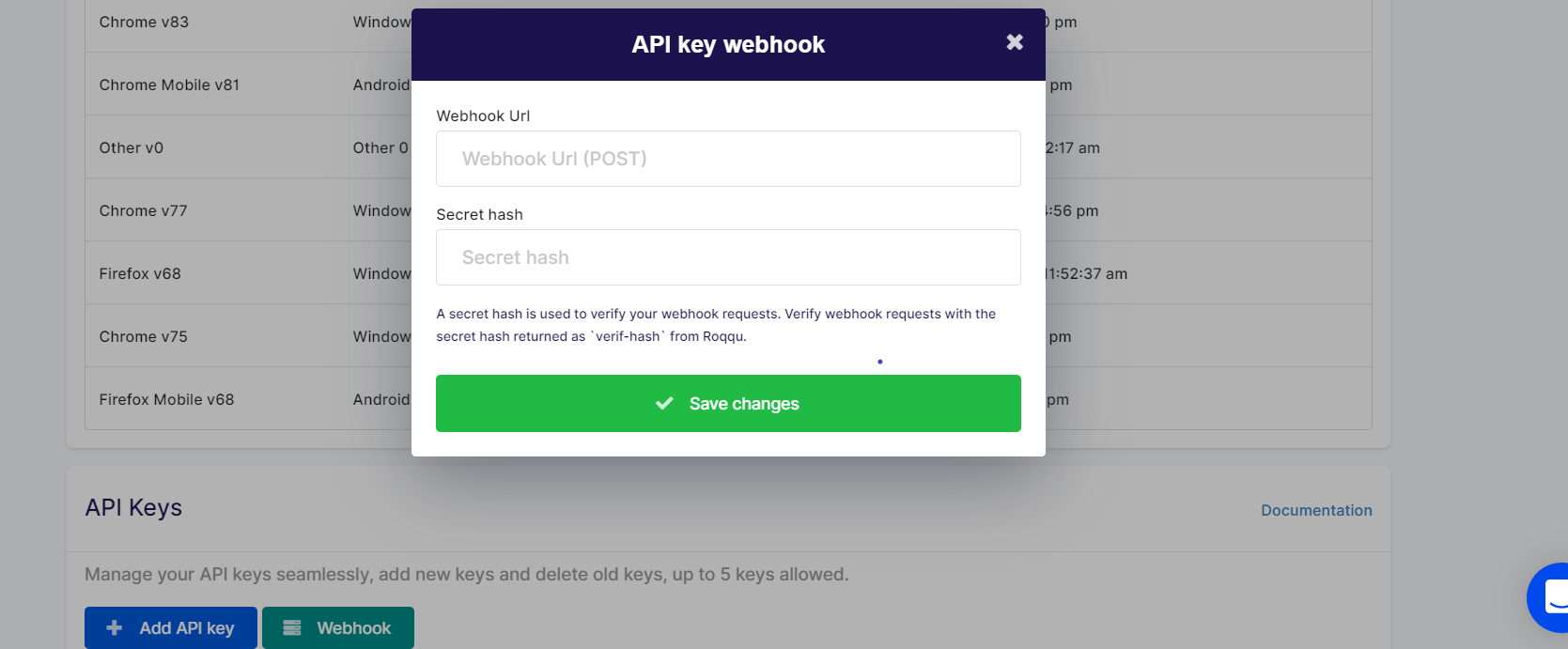
The payload that comes to the URL that you have set for your webhook will have the following structure
{
   "secret",
   "token",
   "amount",
   "address",
   "timestamp"
}
This will come as a Post request to your webhook URL that you set in the modal as displayed in the webhook setup modal.
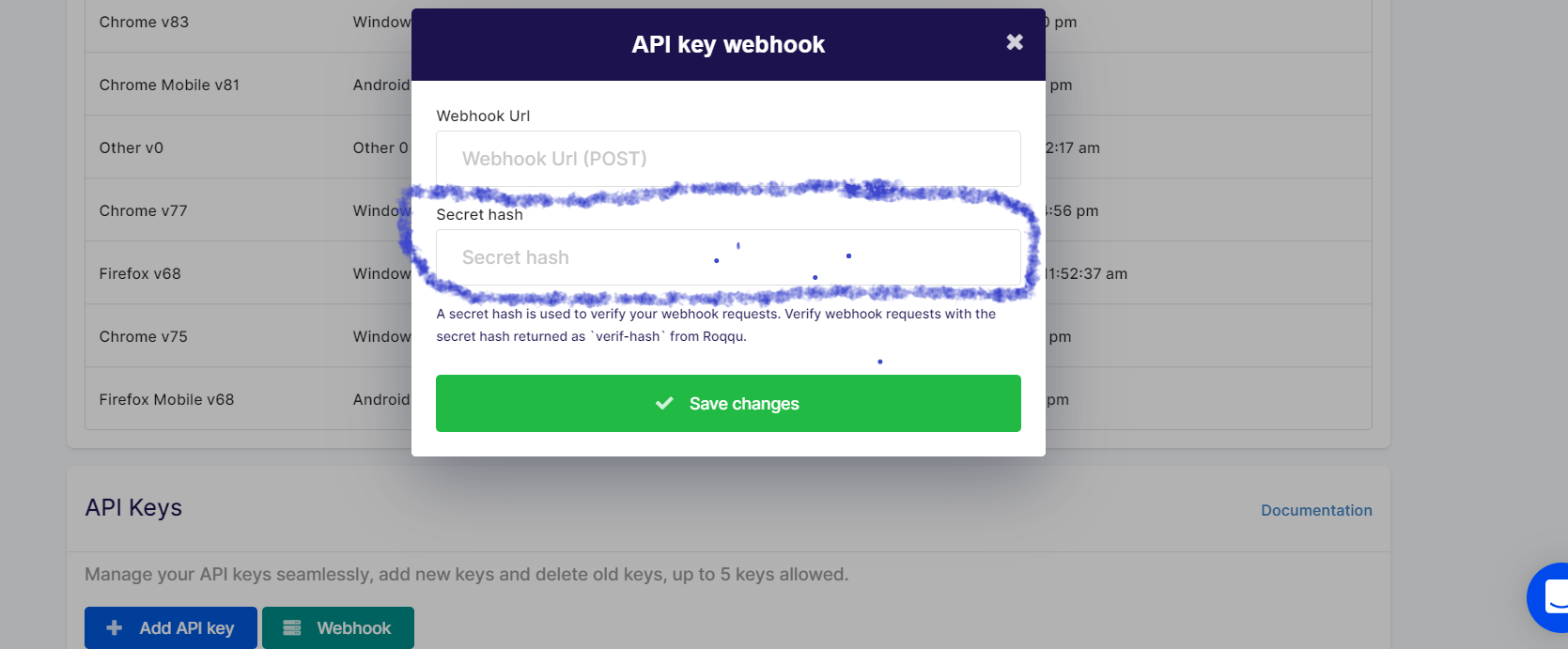
The secret param is the secret you set when setting up your webhook on your dashboard, you should ensure that you verify that this matches with what you stored while setting up the webhook.
The secret param is put as a second parameter on the modal as shown below, this is highlighted in blue, while the webhook URL is the one on top of it
The token is the type of token sent to the address.
The address parameter is the wallet address, that the token was sent to.